

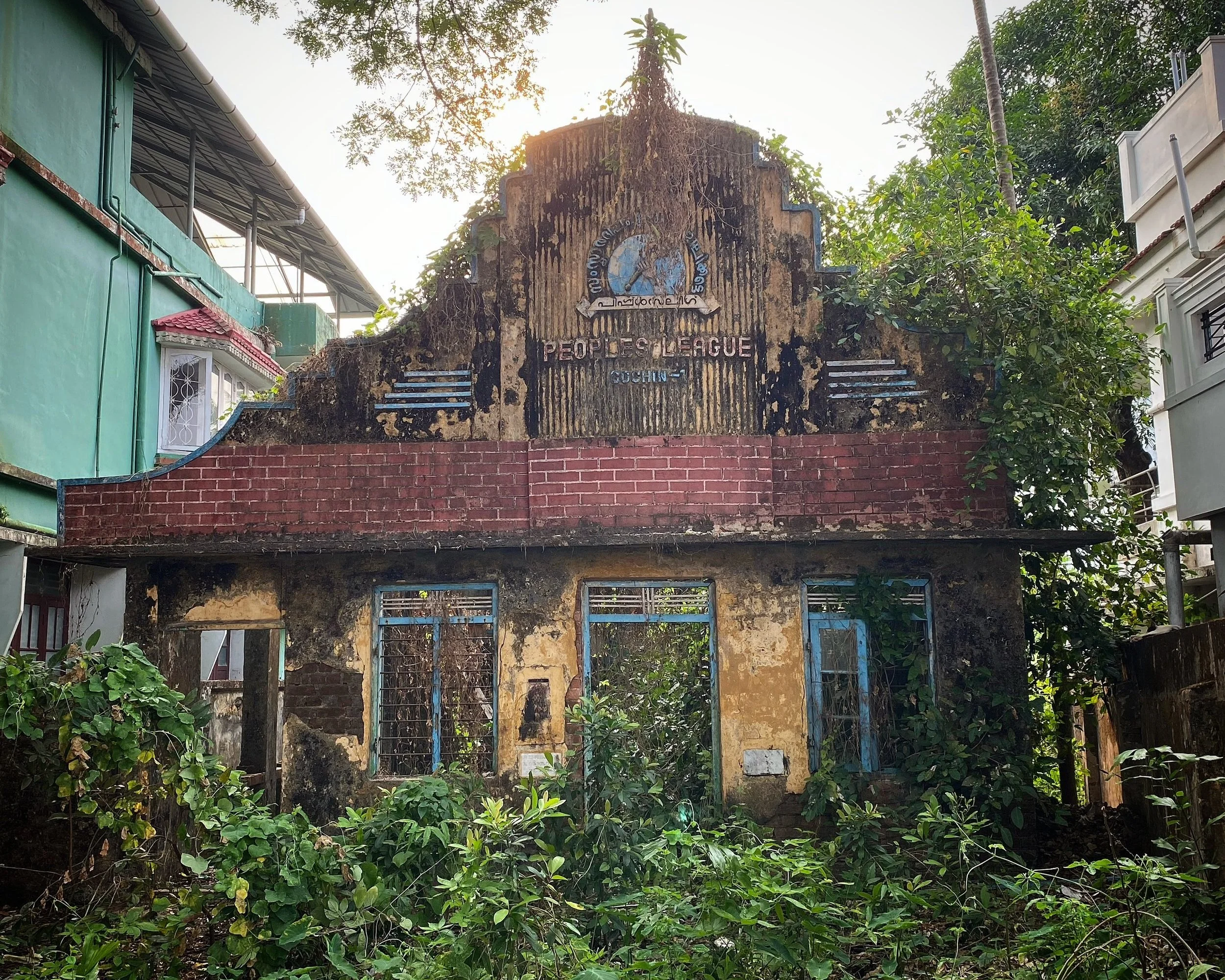
Photography has always been about preserving a moment. A single frame can capture emotion, atmosphere, and memory in a way that words often cannot. For decades, photographers have relied on composition, lighting, and timing to tell stories through still images.
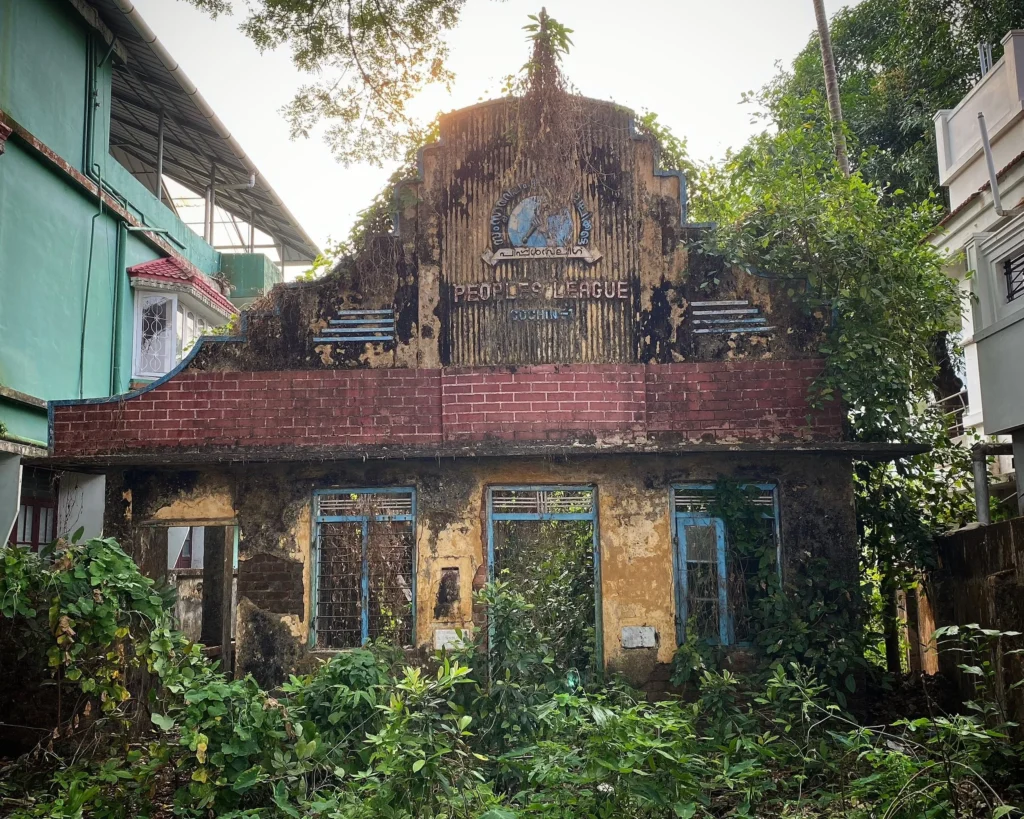
Sharper Details
If you think that the presets’ post-processing capacity is limited to creative colour effects, you are wrong. Photo editing tips emphasise that balancing light, shadow, and contrast eliminates distractions and makes the subject easier to read. And there are specific modifications to help with this task.
Suppose you have taken a photo of a mountain on a cloudy morning. It is visually stunning, but the file appears dark and dull. Luminar Neo’s Landscapes, Dramatic, and Scenery collections may be appropriate for this photo. Depending on the scene, you can darken the sky, add more definition to the rocks, and make the trees more vibrant without over-processing the photo.
The same logic works for portraits. In Luminar Neo, the Portrait, Lifestyle, and Easy Portrait collections brighten skin tones, enhance facial contrast, and soften shadows. Presets such as Natural Portrait, Soft Glow Portrait, or Clean Lifestyle can help the eyes and expression stand out.
Preset First, Fine-Tune Second
built-in enhancements can and should be customised. So, don’t stop at the first click. After applying a preset in Luminar Neo, review the image and use the Develop tools to fine-tune the result. Check the brightest areas first and reduce Exposure or Highlights if they appear too intense.
Next, evaluate the darker regions and raise the Shadows slider if you need more detail. Finally, focus on the main subject and ensure skin tones, clothing, food, architecture, and natural textures remain realistic and balanced. It will leave space for taste, intention, and small creative choices.
You can also create your own presets in Luminar Neo by applying your preferred adjustments and saving them as a custom preset. It is especially useful if you often edit similar types of photos, such as portraits, landscapes, or travel images. This approach helps maintain a consistent style across your work while making future edits even faster.
Conclusion
By using presets as a creative springboard, you’re not just speeding up your workflow but curating a consistent, polished signature style. Use our guide, experiment, tweak, and make every edit truly your own. After all, the best images are those where technology meets your artistic intent, helping your vision shine exactly as you imagined.